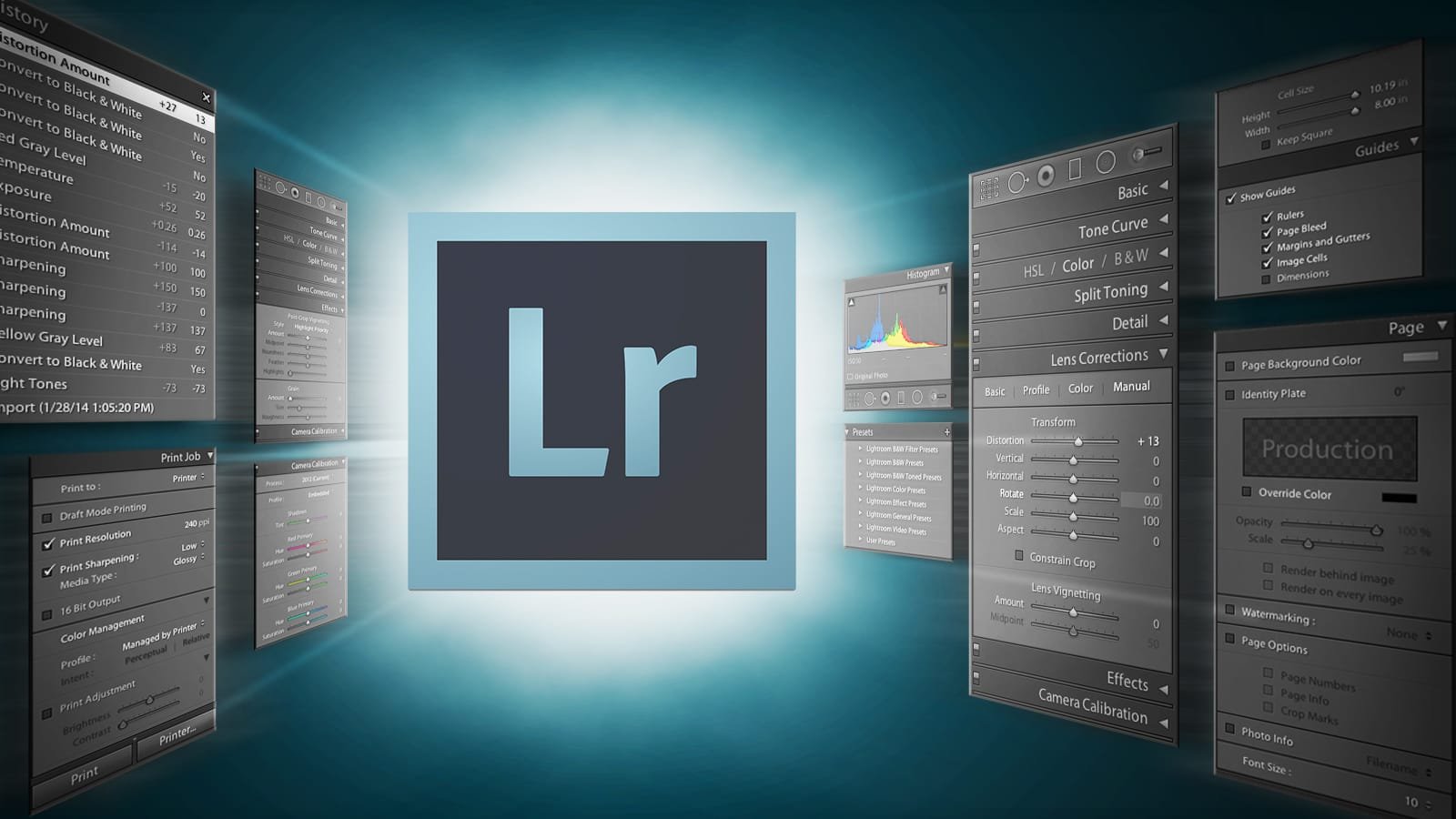

Lightroom Photo Editing

Original price was: $495.00.Current price is: $395.00.

The Lightroom Photo Editing Workshop will teach you the essentials of creating a great photo. That vivid green pop in the grass, that perfect sunset lighting on your subject. These are just a few examples of those “perfect” elements seen in photography today


I will be hosting a 2 day Lightroom Workshop and would love to see you there. Numbers will be limited to a maximum of 6 people, so be sure to book your place early to avoid disappointment The Lightroom Classic workshop will be an exciting way to help photographers improve their editing skills and workflow efficiency. op:
 
Workshop Objective:
 
By the end of this workshop, participants will gain confidence in using Lightroom Classic to organize, edit, and export their photos effectively. They will also understand the fundamentals of non-destructive editing, the use of presets, color correction, and more advanced features like masking and lens correction.

If you are interested in attending this 2 day photo editing workshop, but can’t make it along on the available date, please send me a message so I can keep you up to date with all the information for future workshops

Error: Contact form not found.

Workshop Details

Saturday 1st – Sunday 2nd March 2025

Day 1: Introduction & Core Features
 
Morning Session (9:00 AM – 12:30 PM)
 
1. Introduction to Lightroom Classic
 
– Overview of the Lightroom ecosystem: Lightroom vs Lightroom Classic
– What Lightroom Classic is best for and why photographers use it
– Explanation of the workspace: Library Module, Develop Module, Map, Book, Slideshow, Print, and Web Modules
– Non-destructive editing philosophy
– File management and catalog structure
 
2. Importing & Organizing Photos
 
– Importing images: Setting up file location, renaming, applying metadata, keywords, and previews
– Organizing photos with folders, collections, and smart collections
– Basic metadata & keywording for better searchability
– Rating and flagging: How to sort your images quickly
– Using the filter bar for photo selection
 
Practical Exercise: Participants will import a sample set of images and organize them based on the instructions, practicing rating, flagging, and keywording.
 
Lunch Break (12:30 PM – 1:30 PM)
 
Afternoon Session (1:30 PM – 5:00 PM)
 
3. Editing Basics: The Develop Module
 
– Introduction to the Develop module interface
– Basic panel: White balance, exposure, contrast, and tone sliders
– Understanding histograms and how to use them for corrections
– Clipping warnings and how to prevent over/underexposure
– The use of “Auto” tone adjustments
– Tone curve and its effect on contrast
– How to recover details in highlights and shadows
 
4. Creative Adjustments & Presets
 
– Adjusting saturation, vibrance, and HSL sliders
– Using presets: How to apply them and create your own
– Syncing edits across multiple photos for efficiency
– Sharpening, noise reduction, and lens correction
 
Practical Exercise: Participants will edit a selection of images, focusing on basic adjustments, learning to work with tone and color corrections.
 
Q&A and Feedback (5:00 PM – 5:30 PM)
 
Day 2: Advanced Techniques & Exporting
 
Morning Session (9:00 AM – 12:30 PM)
 
1. Advanced Editing Techniques
 
– Local adjustments: Radial filters, graduated filters, and the adjustment brush
– Spot removal and cloning/healing tools
– Using the Range Mask (color and luminance) for more precise control
– Working with masks to target specific areas of an image
– Advanced tone curve adjustments (RGB)
– Creating HDR images and panoramas in Lightroom
 
Practical Exercise: Participants will use advanced editing techniques on their own images, with one-on-one guidance.
 
2. Color Grading & Black and White Conversion
 
– Understanding color grading: The new color grading tool for creative adjustments
– Converting images to black and white: Key points to look for in contrast, detail, and mood
– Split toning for adding mood to images
 
Lunch Break (12:30 PM – 1:30 PM)
 
Afternoon Session (1:30 PM – 5:00 PM)
 
3. Exporting & Output
 
– Exporting images: File formats (JPEG, TIFF, PSD), resolution, and compression settings
– How to export for web vs. print
– Export presets for efficiency
– Watermarking your images
– Understanding Lightroom’s integration with Photoshop
 
4. Workflow Efficiency & Backup
 
– Backup strategies: Catalog and image backups
– Using Lightroom with external drives and cloud storage
– Working with multiple catalogs
– Optimizing Lightroom performance
 
Practical Exercise: Participants will export their best images and create their export presets.
 
5. Final Q&A, Review & Wrap-up
 
– Final review of key concepts
– Q&A session to address individual questions and challenges
– Group discussion on workflow improvements

The workshop will be held in my home, and all amenities are available

both days will start at 9:00am and finish at 5:00pm

Morning tea, lunch and afternoon tea will be provided each day.  Please let me know if you have any particular dietry requirements

A laptop computer is essential for this class.  Please also bring any external hard drives that contain your images, your camera and memory card, along with a card reader.  Be sure to have an active copy of Lightroom Classic on your laptop, and don’t forget to bring a notebook and pen to take notes.

1. Cancellation by the Participant

If you cancel your booking the following fees apply:

  • Between 14 days and 48 hours before the workshop: 20% of total cost
  • Between 24 hours and 48 hours before the workshop: 50% of total cost
  • Within 24 hours of the workshop: 100% of total cost

A ‘no show’ will incur 100% penalty. No refunds are given on unused tickets.

2. Booking changes

Adrian Matthiassen – Photographer will accept workshop date changes or transfers to another Adrian Matthiassen – Photographer workshop (subject to availability) up to 48 hours before departure for a $20 p/person administration fee – any difference in workshopr price is payable by the participant. Please note cancellation fees apply for any changes within 48 hours – please refer to the above Cancellation Policy.

4. Change of Itinerary

Itinerary is subject to prevailing weather conditions

Click here for a full list of Adrian Matthiassen – Photographer Terms and Conditions.


Discover more from Adrian Matthiassen - Photographer

Subscribe to get the latest posts sent to your email.

Reviews

There are no reviews yet.

Be the first to review “Lightroom Photo Editing”

Are you human? Please solve:Captcha


Some other workshops that may interest you
Sale!

Astro Photography

Astro Photography Workshop

Original price was: $125.00.Current price is: $80.00.

Photography Workshops

Fundamentals of Photography

$125.00
Sale!

Photography Workshops

Night Photography Workshop

Original price was: $125.00.Current price is: $80.00.